Avatar
Posts 428 1580

Inactive User Manager

Inactive User Manager

Version1.1.2
TypePlugin
CategoryAdministration
AuthorFred
LicenseGPL-3.0
Flatboard5.3.0

Inactive User Manager — Flatboard Plugin

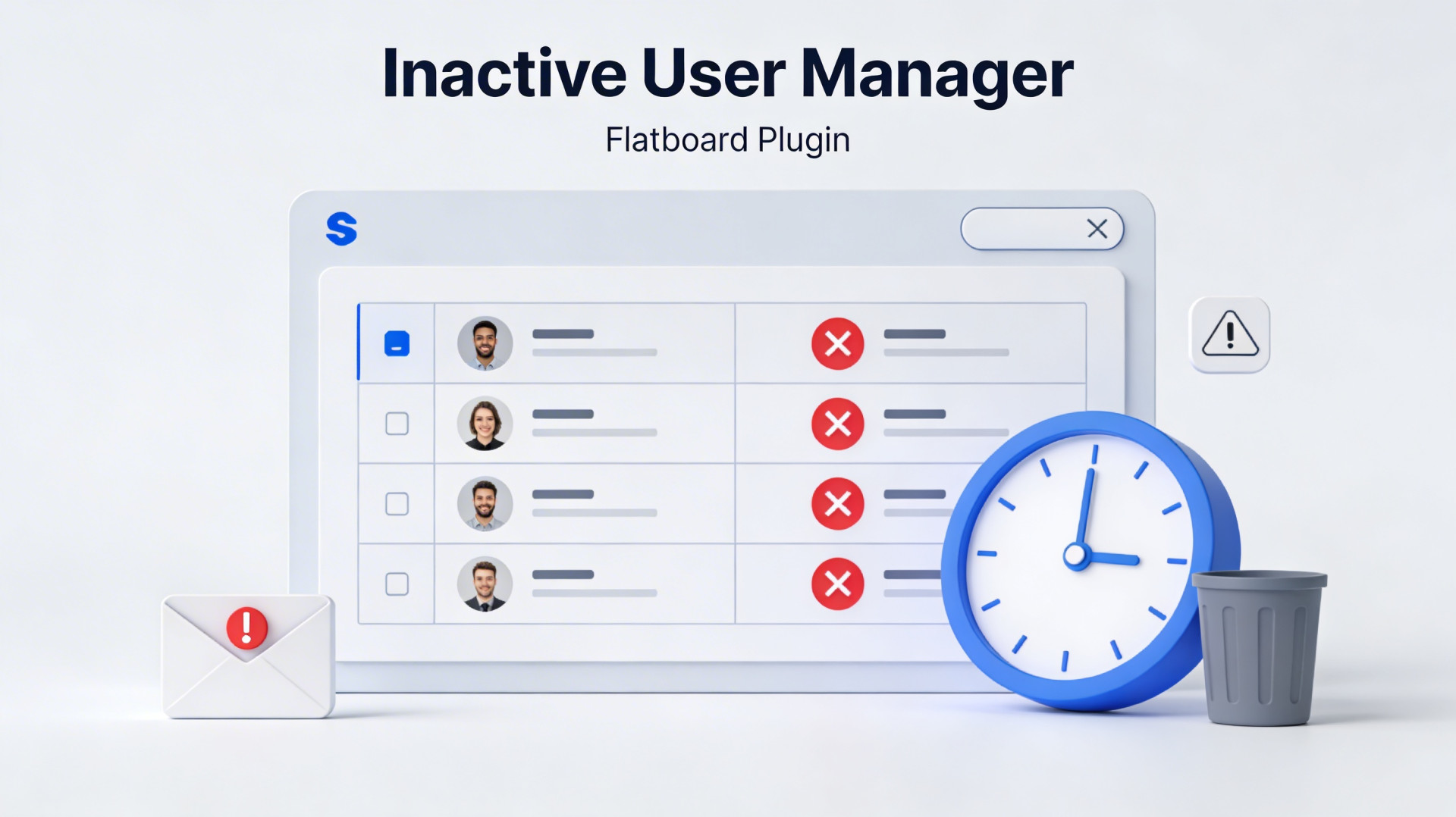
Identifies and manages the deletion of inactive users (0 messages) after a configurable number of days.

Features

FeatureDescription
Automatic detectionLists all accounts registered for X days with no messages
Warning emailSends a custom HTML email before deletion
Automatic deletionTriggers deletion once per day in the background
Manual deletionAdmin interface for single or bulk deletion
Global counterCounts all deletions since plugin activation
ExclusionsAdministrators and moderators excluded by default
Configurable delayNumber of inactivity days and delay after warning

Configuration

SettingDescriptionDefault
inactive_daysMinimum inactivity days30
auto_deleteDaily automatic deletiondisabled
send_warning_emailSend email before deletiondisabled
warning_days_beforeDelay (days) between email and deletion7
exclude_adminExclude adminsyes
exclude_moderatorExclude moderatorsyes

Automatic deletion logic

Each admin request (max once every 23h):
  ├── If "warning email" enabled:
  │     ├── Send email to inactive users without warning → mark "_ieum_warning_sent"
  │     └── Delete those whose email is older than "warning_days_before" days
  └── Otherwise:
        └── Directly delete all inactive users

File structure

InactiveUserManager/
├── plugin.json                        Configuration & metadata
├── InactiveUserManagerPlugin.php      Boot, hooks, routes, menu
├── InactiveUserManagerService.php     Business logic (detection, email, deletion)
├── InactiveUserManagerController.php  Admin HTTP controller
├── views/
│   └── admin.php                      Admin interface
├── langs/
│   ├── fr.json                        French translations
│   └── en.json                        English translations
├── assets/css/
│   └── style.css                      Interface styles
└── README.md

Deletion counter

The total_deleted counter is stored in plugin.json > plugin.total_deleted and is incremented with each deletion (automatic or manual). The plugin activation date is stored in activated_at.

Permissions

PermissionDefault groups
inactiveusers.viewAdmin, Moderator
inactiveusers.deleteAdmin only

License

GPL3 — Flatboard Team

Edited on  Mar 31, 2026  By  Fred .

  • user-management user-maintenance inactivity-detection moderation
Avatar
Posts 75 297

Fred

Very harsh of you 🙃.

Here is an issue though with this plugin. What if some reason the user is extreamly busy and doesn't have time to look at their email and after (lets say 30 days) due to inconvience and trys to login. At that point that user would be just never come back to it. I say disable it for the main site, but I guess if people really want that I guess its fair game, but I don't see the purpose of it. My guess is that its for storage reasons which makes scense, but it's more likely that users aren't going to use it because it might be way to curl to customers and (if nobody know what this site actually is) that would just leave and never use the product.

In you case I would just have it as a addon, but don't have it active on the main site because that would just piss customers off due to lack of time and really would make customer service really poor.

Another thing that might be taken into concern is if someone puts their website into maintance mode, your plugin might still be running in the background which if the maintance is going pass that time mark everyone accounts gets deleted and no recovery measures at all.

Hopefully, this made scense. If not I'll try to explain it better.

Edited on  Mar 31, 2026  By  Gavin .

Avatar
Posts 428 1580

Gavin

Hi Gavin 👋,

A few things to clarify on how it actually works.

The plugin ships disabled. Turning it on doesn't delete anything auto-deletion is a completely separate toggle, and all
durations (inactivity period, warning delay, CRON schedule) are set by the admin. Nothing is hardcoded.

Users also get warning emails before anything happens, giving them time to log back in.

On the guidelines side, Section 5 already covers this. Accounts with no posts or contributions may be removed as routine
housekeeping — it's stated upfront.

The 30-day maintenance scenario is quite a stretch. A site down for a month has bigger problems. The admin controls both the
schedule and the thresholds
.

Worth mentioning this plugin wasn't something I decided to build on my own. It was specifically requested and recommended by
users dealing with exactly this problem: forums accumulating thousands of ghost accounts with no way to clean them up.

It's not meant for every site, which is exactly why nothing happens without a deliberate decision at each step.

One last thing have you actually tried it? Some of what you described doesn't match how it works in practice. Would be
curious to hear your feedback after a hands-on test rather than on assumptions 🙂.

Visitor, reply to this topic…
Log in to reply
Navigation
3 Posts
post #1
31 Mar 2026
By Utilisateur
Statistics
166
Discussions
911
Replies
21
Flatboarders
4
Contributors
New member : Emmanuel
Online
28 Guests online