
Reputation
| | |
|:--|:--|
| Version | 1.0.4 |
| Type | Plugin |
| Category | Gamification |
| Author | Fred |
| common.license | MIT |
| Flatboard | 5.2.0 |
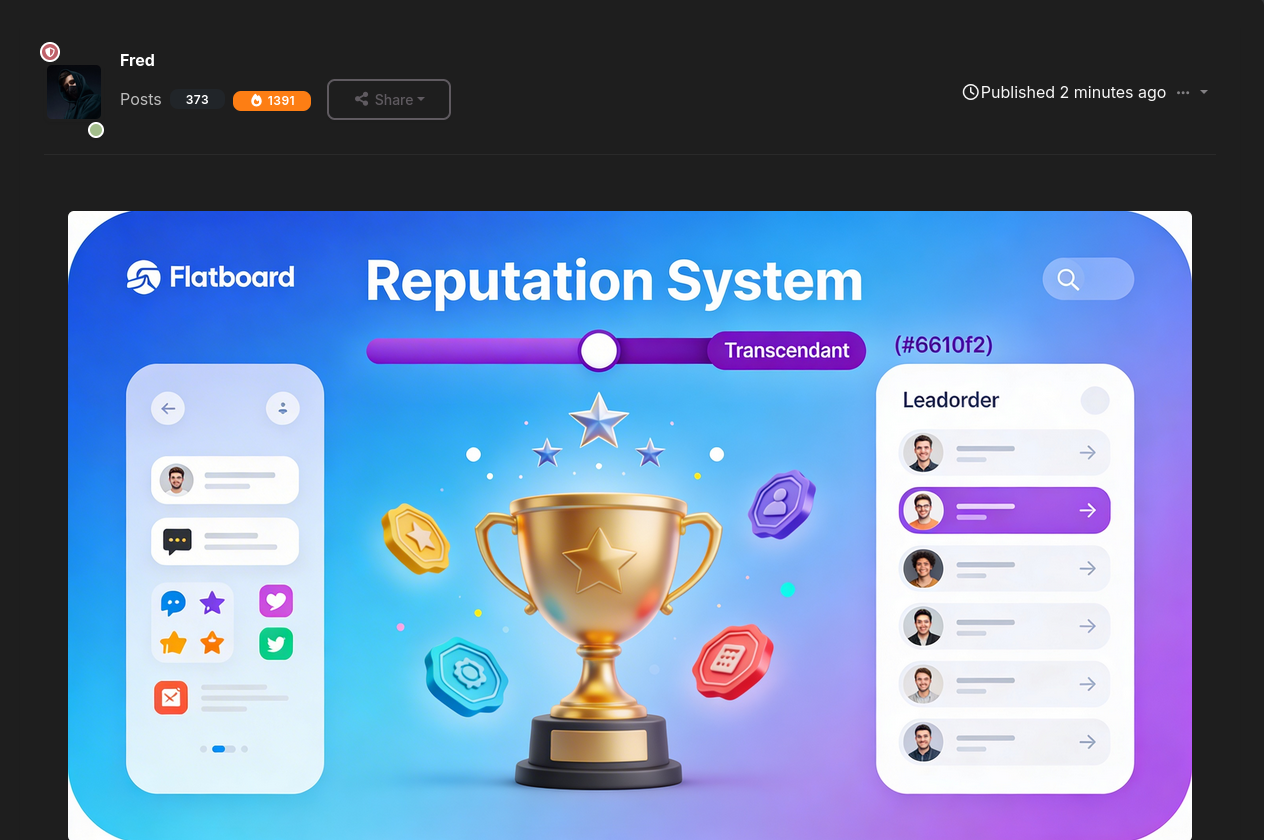
A community reputation system for Flatboard. Members earn points for their contributions, unlock levels and badges, and see their score directly on posts and user profiles.
Features
- Points system — Points are awarded for configurable events: discussion created, reply posted, reaction received, best answer received.
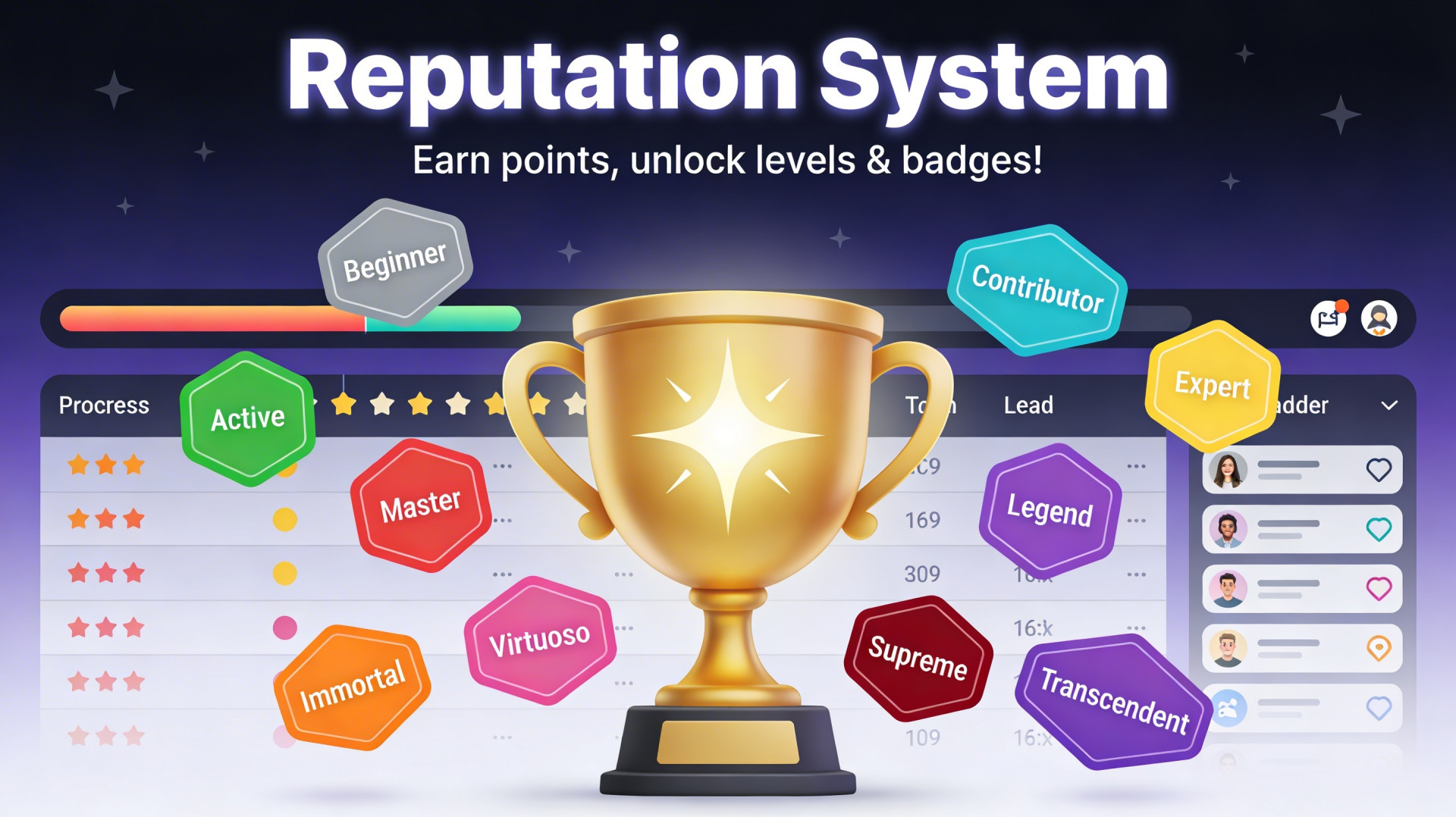
- 10 levels — From Beginner (0 pts) to Transcendent (50 000 pts), each with a distinct colour and name. Levels are assigned automatically and displayed everywhere.
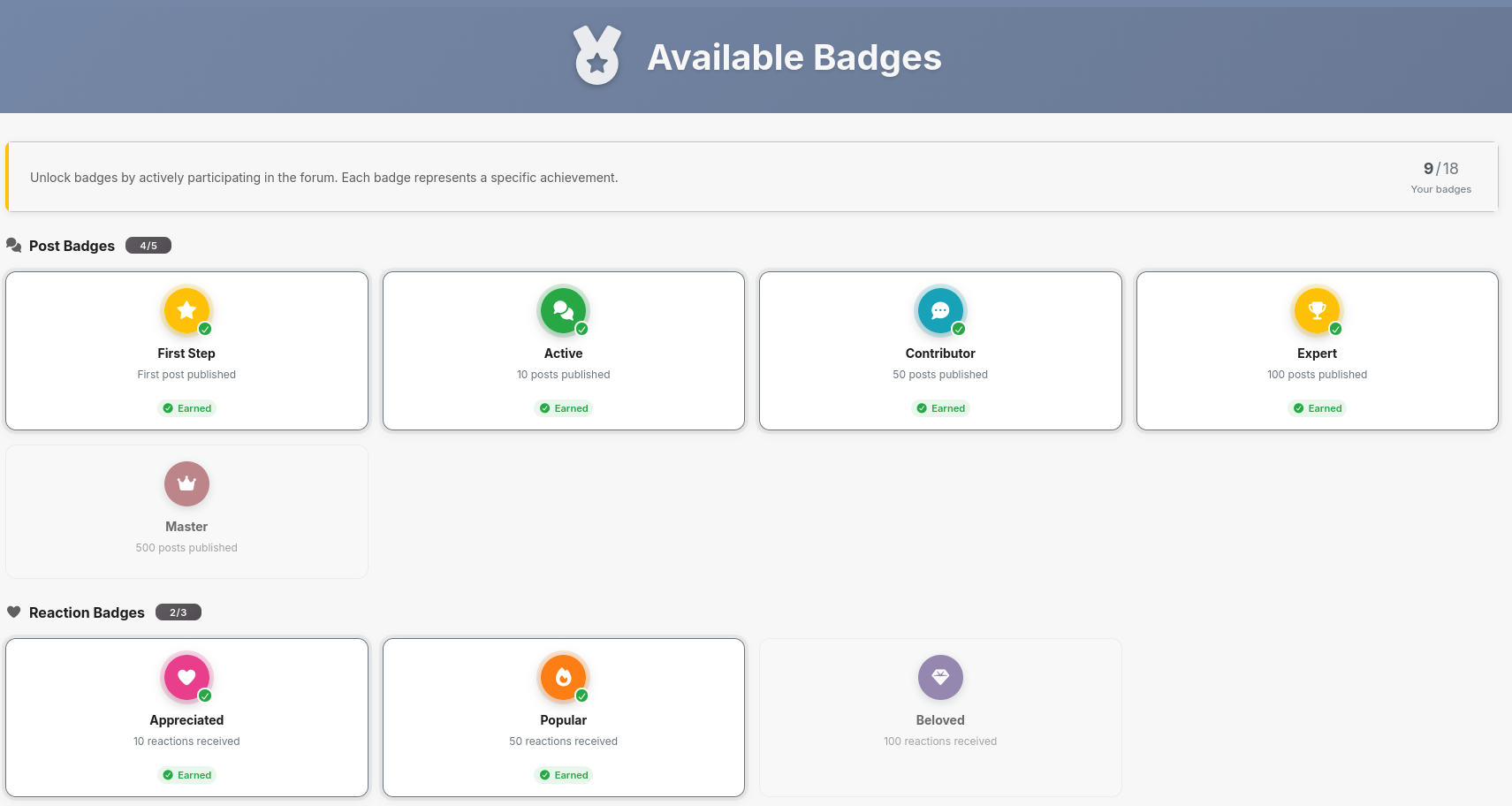
- 19 badges / achievements — Automatically awarded at milestones across five categories: posts, reactions, best answers, level achievements, and special actions.
- Score badge on posts — A coloured trophy badge showing the member's point total appears next to the post count on every post in threads and reply lists. It uses the icon and colour of the member's last earned badge, links to their Reputation profile tab, and shows a tooltip with the current level name.
- Score + level on profile — A reputation row (score and current level) is injected into the user profile statistics card.
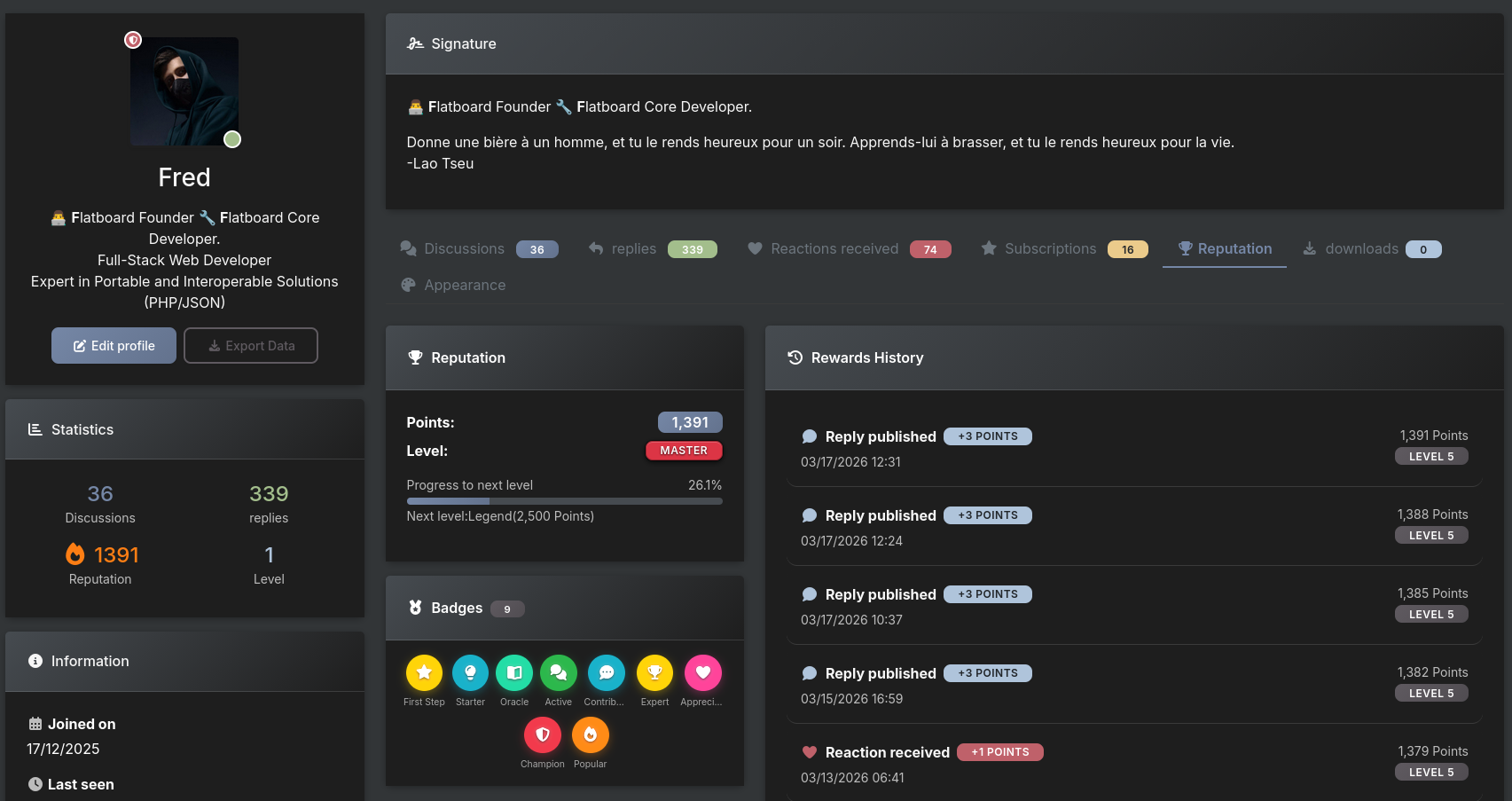
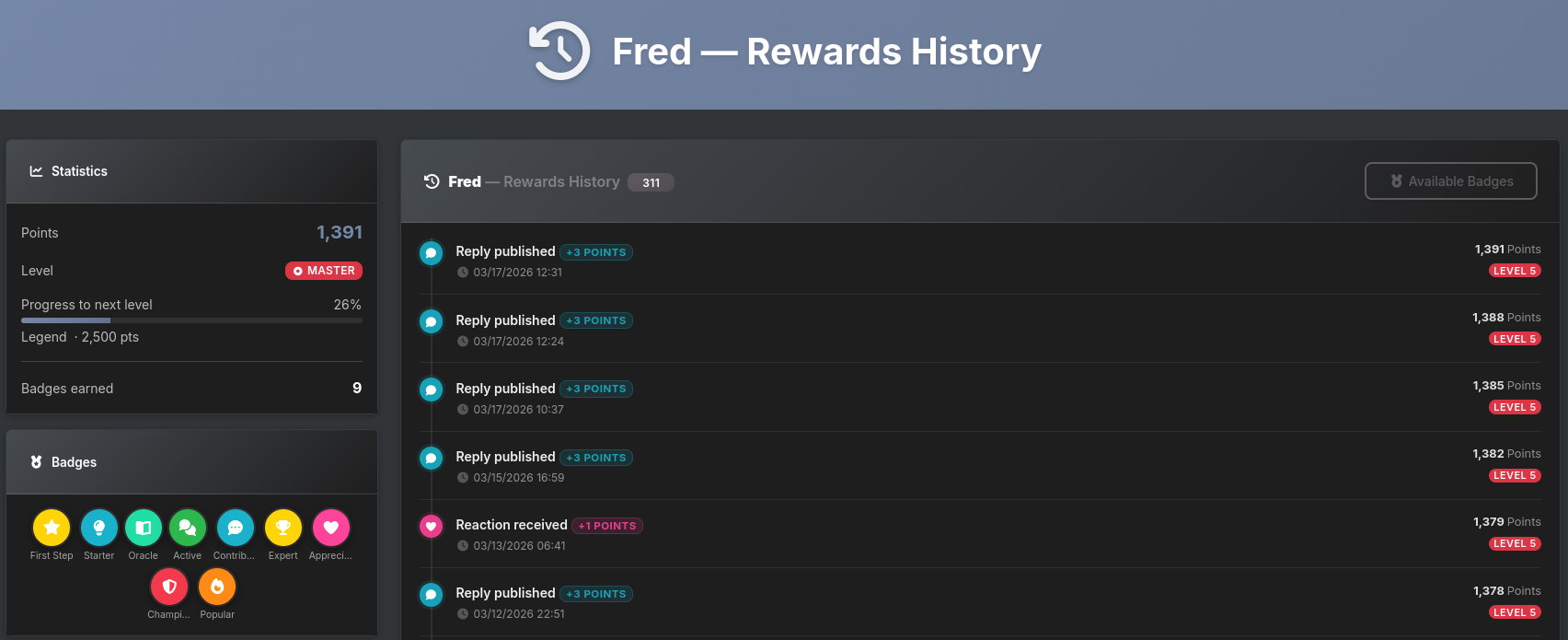
- Reputation profile tab — A dedicated tab on every user profile shows points, current level with progress bar, earned badges, and the last 20 history entries. Opening the tab directly via
?tab=reputationis supported. - Full history page —
/reputation/historylists all reputation events for the logged-in user, paginated (20/page). Admins can view any user's history at/reputation/history/{userId}. The page title includes the username. - Badges catalogue —
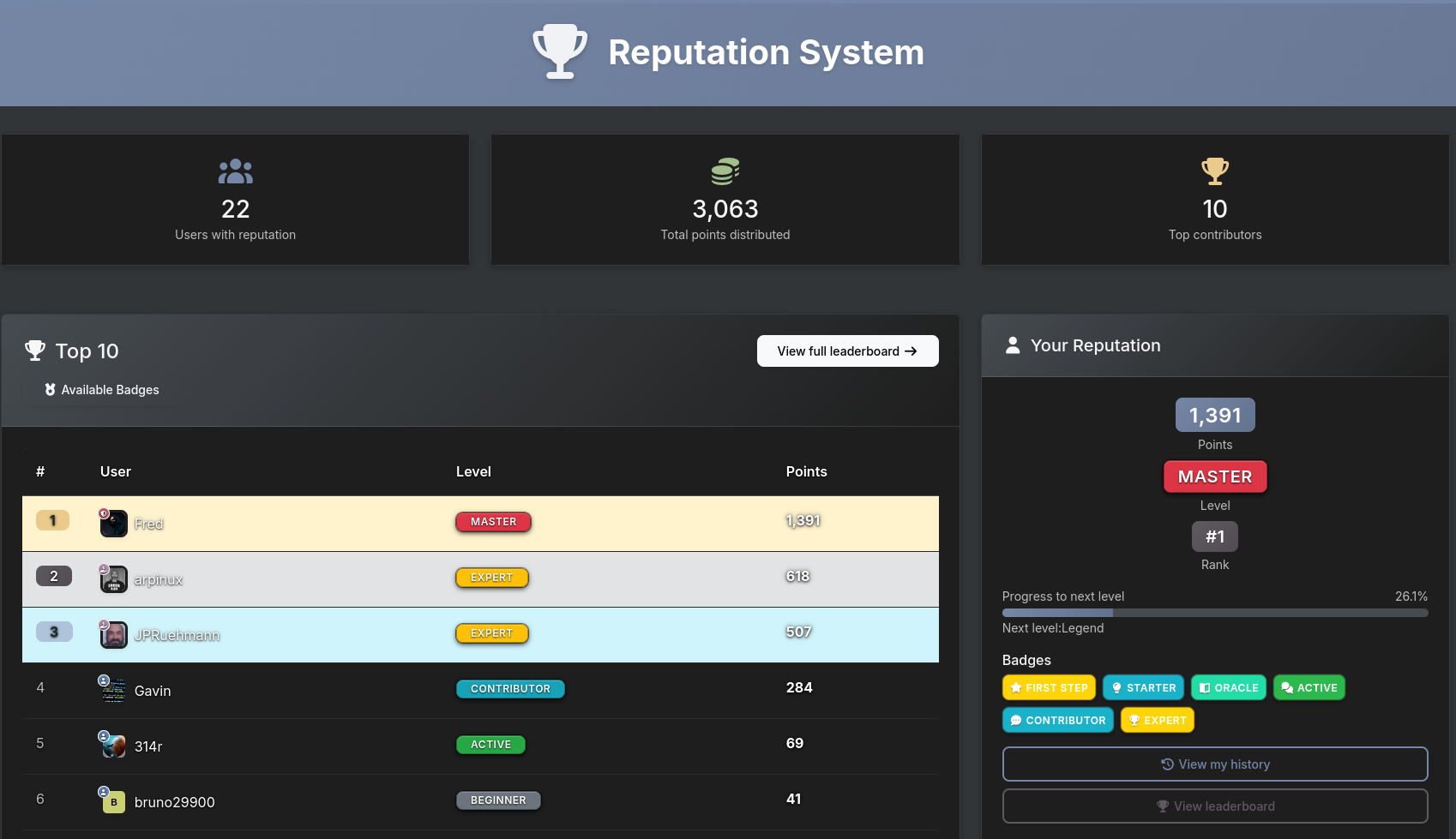
/reputation/badgeslists all available badges (earned vs locked) and all levels with their point thresholds. - Leaderboard —
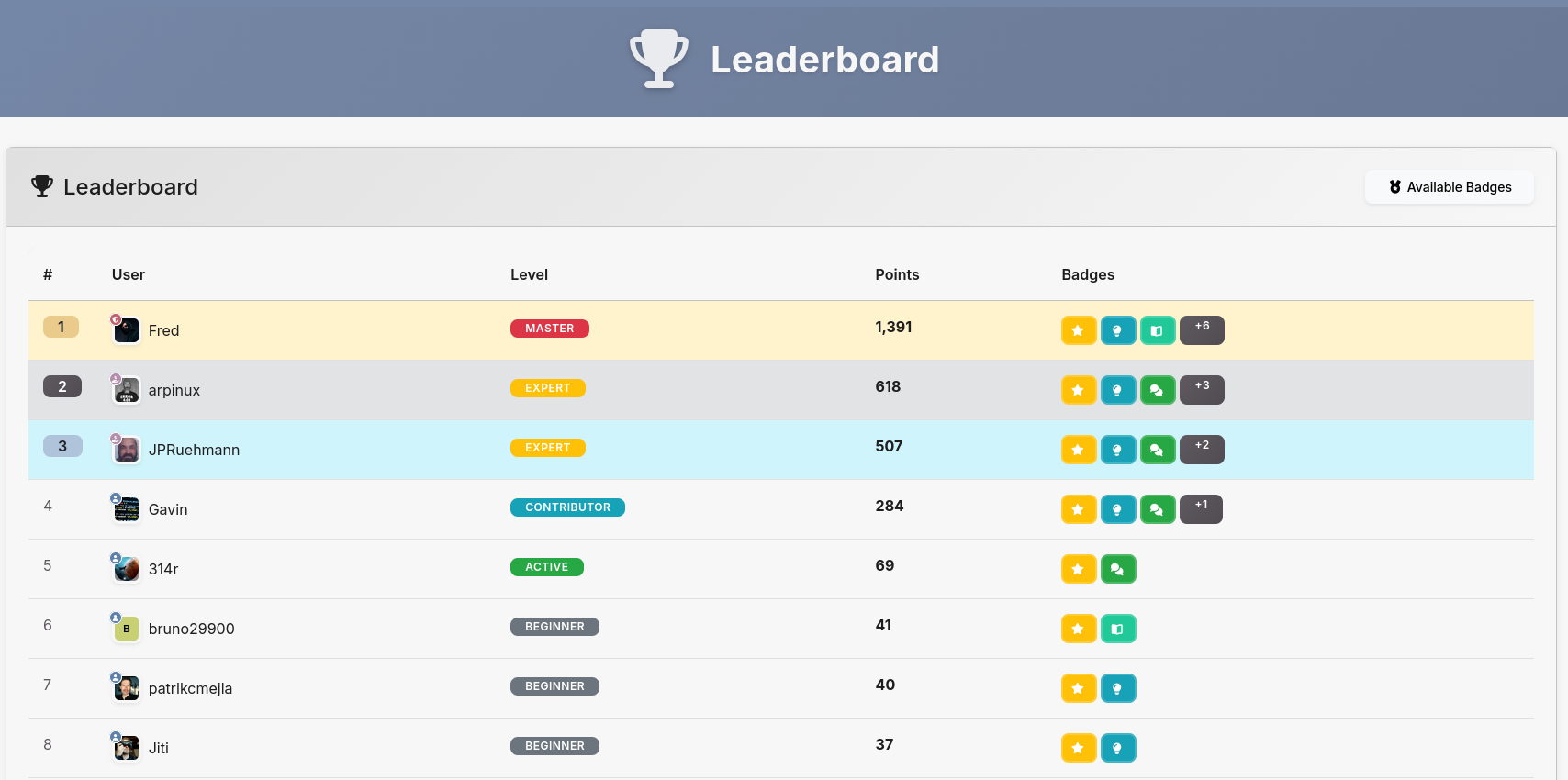
/reputation/leaderboardranks members by total points with configurable limit and pagination. - Admin panel — Configure point values per event, enable/disable badges, levels and leaderboard, and set leaderboard limits from Admin → Plugins → Reputation → Settings.
- Recalculate — One-click reputation recalculation from the admin panel reconstructs points and badges from actual stored data.
- Notifications — Members receive a notification when they earn a new badge or reach a new level.
- Multilingual — French, English, German, Portuguese, Chinese Simplified.
Simplified.
Levels
| # | FR / EN | Min. points | Colour |
|---|---|---|---|
| 1 | Débutant / Beginner | 0 | #6c757d |
| 2 | Actif / Active | 50 | #28a745 |
| 3 | Contributeur / Contributor | 200 | #17a2b8 |
| 4 | Expert / Expert | 500 | #ffc107 |
| 5 | Maître / Master | 1 000 | #dc3545 |
| 6 | Légende / Legend | 2 500 | #6f42c1 |
| 7 | Virtuose / Virtuoso | 5 000 | #e83e8c |
| 8 | Immortel / Immortal | 10 000 | #fd7e14 |
| 9 | Suprême / Supreme | 25 000 | #dc3545 |
| 10 | Transcendant / Transcendent | 50 000 | #6610f2 |
Badges
| ID | FR / EN | Category | Condition |
|---|---|---|---|
| first_post | Premier pas / First Step | Special | First post published |
| first_discussion | Démarreur / Starter | Special | First discussion created |
| 10_posts | Actif / Active | Posts | 10 posts published |
| 50_posts | Contributeur / Contributor | Posts | 50 posts published |
| 100_posts | Expert / Expert | Posts | 100 posts published |
| 500_posts | Maître / Master | Posts | 500 posts published |
| 10_reactions | Apprécié / Appreciated | Reactions | 10 reactions received |
| 50_reactions | Populaire / Popular | Reactions | 50 reactions received |
| 100_reactions | Adoré / Beloved | Reactions | 100 reactions received |
| first_best_answer | Oracle / Oracle | Best answers | First best answer received |
| 10_best_answers | Sage / Sage | Best answers | 10 best answers received |
| 50_best_answers | Titan / Titan | Best answers | 50 best answers received |
| level_5 | Champion / Champion | Levels | Reached level 5 |
| level_6 | Légende / Legend | Levels | Reached level 6 |
| level_7 | Virtuose / Virtuoso | Levels | Reached level 7 |
| level_8 | Immortel / Immortal | Levels | Reached level 8 |
| level_9 | Suprême / Supreme | Levels | Reached level 9 |
| level_10 | Transcendant / Transcendent | Levels | Reached level 10 |
Configuration
| Setting | Description | Default |
|---|---|---|
| Points per discussion | Points earned when a member creates a discussion | 10 |
| Points per reply | Points earned when a member posts a reply | 3 |
| Points per reaction received | Points earned when another member reacts to your post | 1 |
| Points per reaction given | Points earned when you react to someone else's post | 0 |
| Points per best answer | Points earned when your reply is marked as best answer | 20 |
| Enable badges | Award badges on milestones | off |
| Enable levels | Display levels based on points | off |
| Enable leaderboard | Show the leaderboard page | off |
| Leaderboard limit | Maximum users ranked in the leaderboard | 50 |
| Leaderboard per page | Items per page on the leaderboard | 20 |
Hooks registered
| Hook | Purpose |
|---|---|
| router.plugins.register | Register public routes (/reputation, /reputation/history, /reputation/badges, /reputation/leaderboard) |
| view.admin.sidebar.items | Add Reputation entry to the admin sidebar |
| view.users.profile.content | Inject Reputation tab + tab content into user profiles |
| view.post.user.stats | Inject the score badge next to the post count in threads |
| view.profile.stats | Inject the score + level row in the profile statistics card |
| visitor.page_info | Provide page context for the presence indicator on reputation URLs |
| post.after_create | Award points on new reply |
| discussion.after_create | Award points on new discussion |
| reaction.after_create | Award points on reaction received / given |
| best_answer.after_set | Award points on best answer |
Installation
- Download the plugin archive.
- Go to Admin → Plugins → Install a plugin and upload the
.zip.
Or extract the folder intoplugins/Reputation/and activate it from the admin panel. - Configure point values and features via Admin → Plugins → Reputation → Settings.
Edited on Mar 17, 2026 By Fred .
