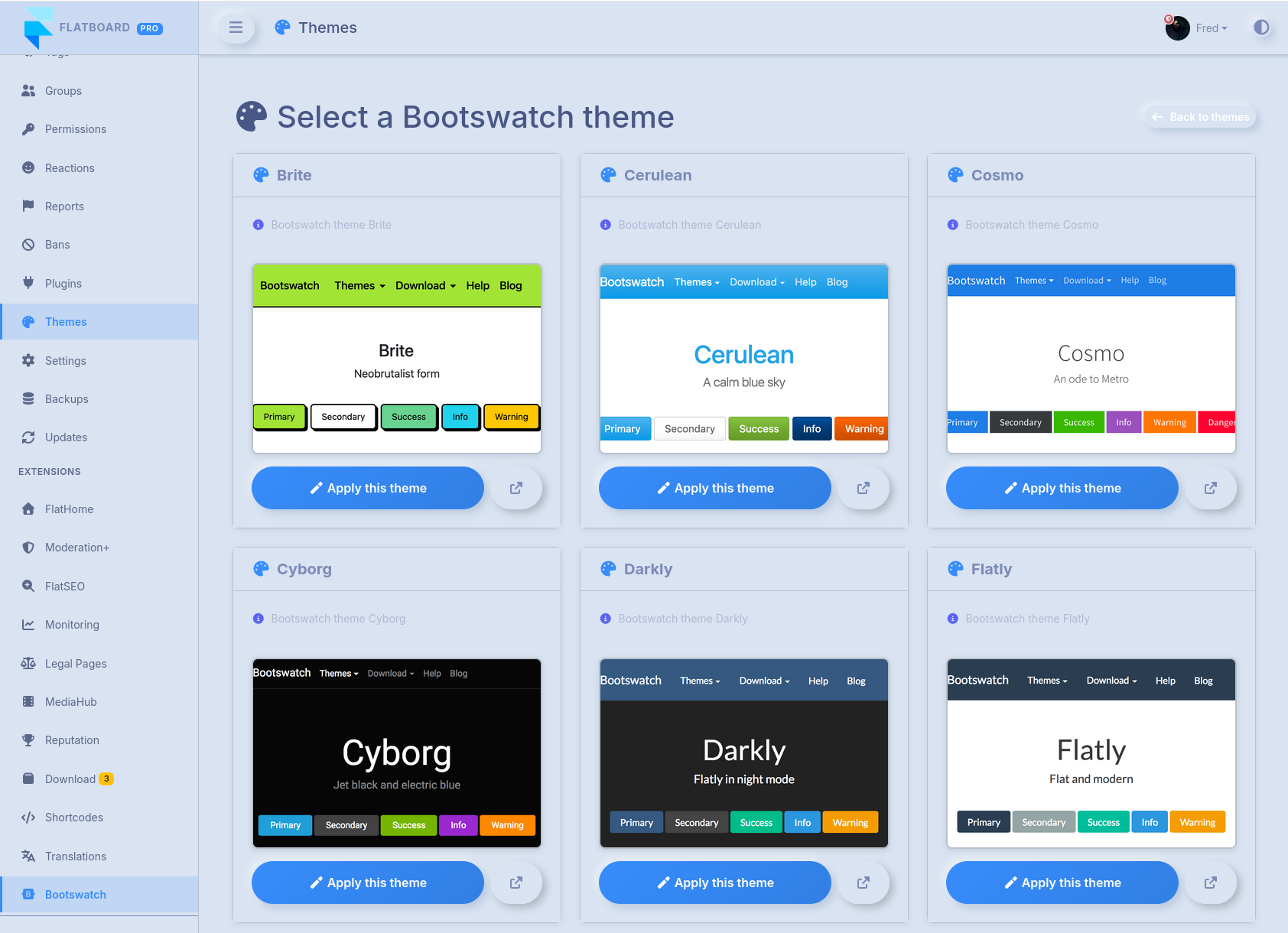
Until now, Flatboard offered three display modes: light, dark, or system. Handy, but not exactly exciting.
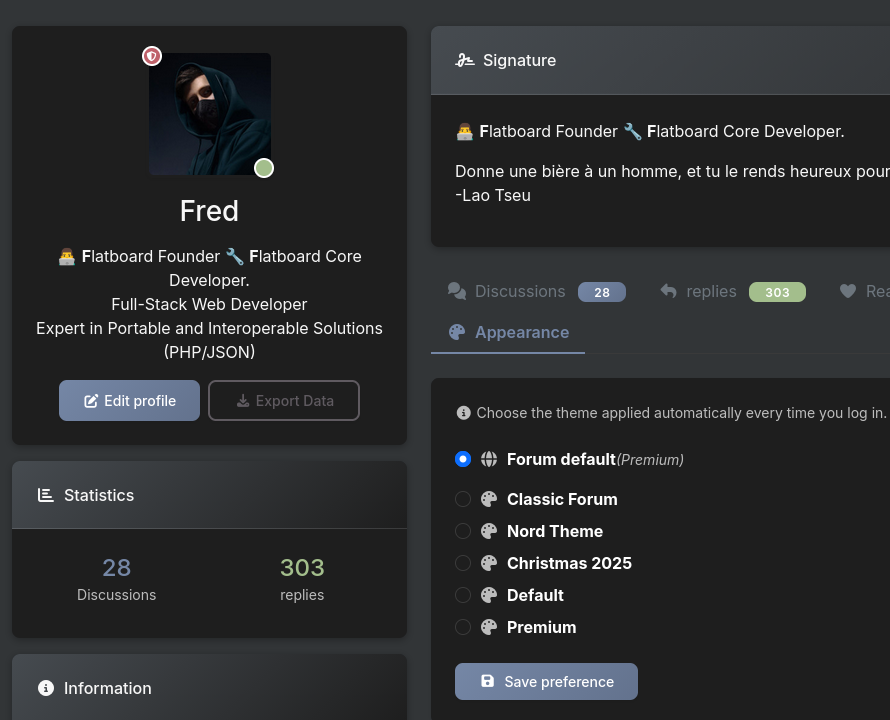
From now on, you can pick from several full interface themes — not just a background color, but a completely different visual style. Head to: Profile > Preferences > Interface Theme.
🖥️ Available themes
- Light / Dark / System — the classics, still there
- Nord Theme — cool Arctic palette inspired by the famous Nord theme
- Christmas 2025 — snowflakes and festive atmosphere (for the nostalgic)
- Premium(Pro) — advanced theme with multi-layouts, navbar styles, configurable hero mode…
And the newest addition, the one you didn't know you needed:
🕹️ Classic Forum — welcome back to 2003
Classic Forum takes your forum straight back to the golden age of internet boards. Here's what it looks like:
- A table-based layout with Forum / Topics / Posts / Last Post columns
- Alternating rows in beige and white, just like the good old days
- A navy blue header with uppercase column titles
- A stats bar at the bottom — Topics, Posts, Members, users online
- Verdana typography, faithful to the era
- Fully compatible with light and dark mode
If you grew up on phpBB, vBulletin or Invision Board, this will hit different. If you never knew that era… you're about to understand why we still talk about it with such fondness. 😄
How to switch themes?
Profile → Preferences → Interface Theme → pick one → Save
The change is instant and personal — other members keep their own theme selection.
OR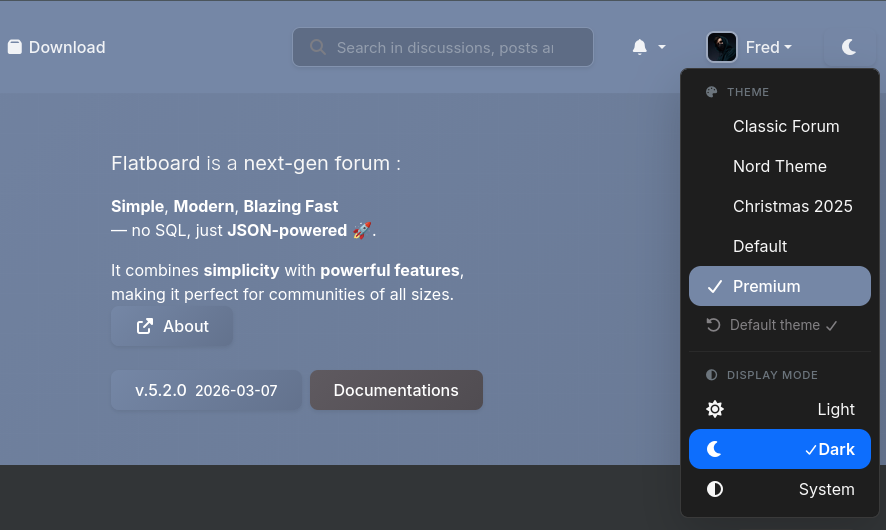
Happy posting, whatever era you choose to browse in. 🚀